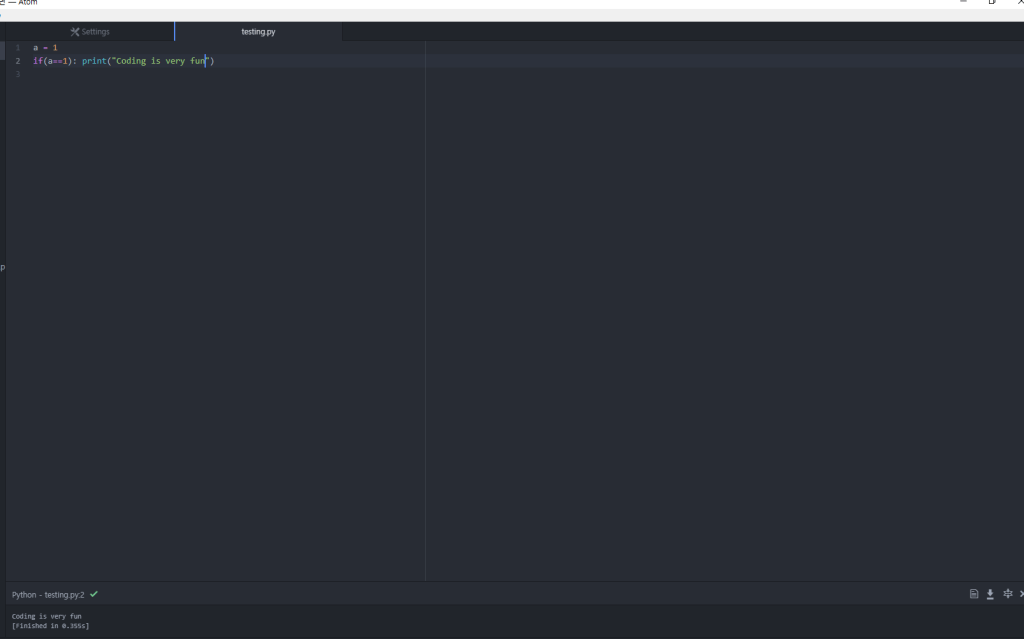
Ehh. There are many ways you can edit a Python file and build them, but based on my experience Atom is the most convenient way to code python. (kind of. yeah.)
you can download atom from here: https://atom.io/
Atom is a free application you can use to develop pretty much anything on there. But I use it mainly to develop Python and HTML, CSS only and C++ I usually use codeblocks on windows or Xcode on Mac.
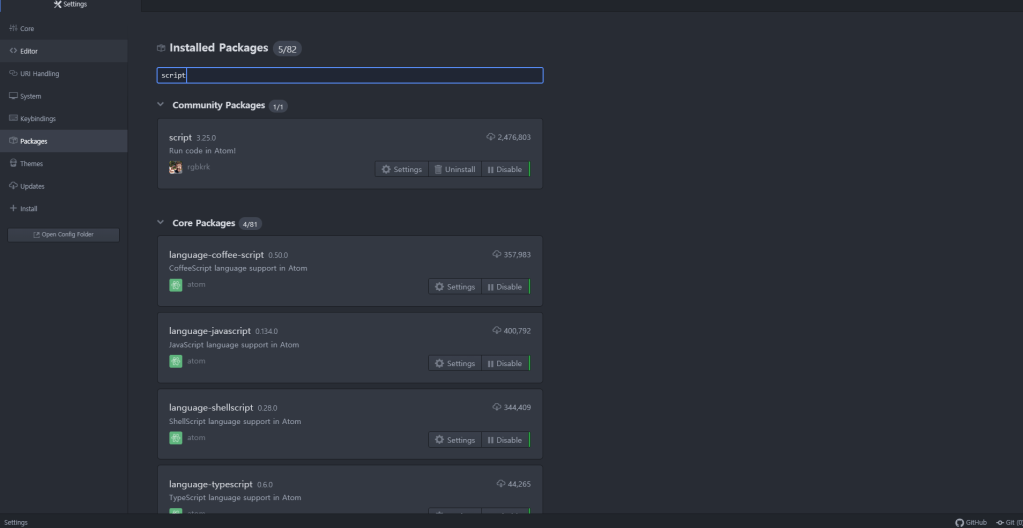
There is one package you should have: script.
That package lets you build and run code. The supporting languages are in the description 😐
Once you set that up, its a lot easier to develop codes in atom. The only thing is, you really can’t get keyboard input in this environment; I would recommend using something else if that’s what you are looking for.